Spreadsheet savvy is an essential skill for anyone looking to manage their finances effectively. With the power of spreadsheet applications like Microsoft Excel or Google Sheets, individuals can organize, analyze, and visualize their financial data with precision. This article explores the benefits of becoming spreadsheet savvy, essential features to master, and practical tips for organizing your finances like a pro.
The Benefits of Being Spreadsheet Savvy
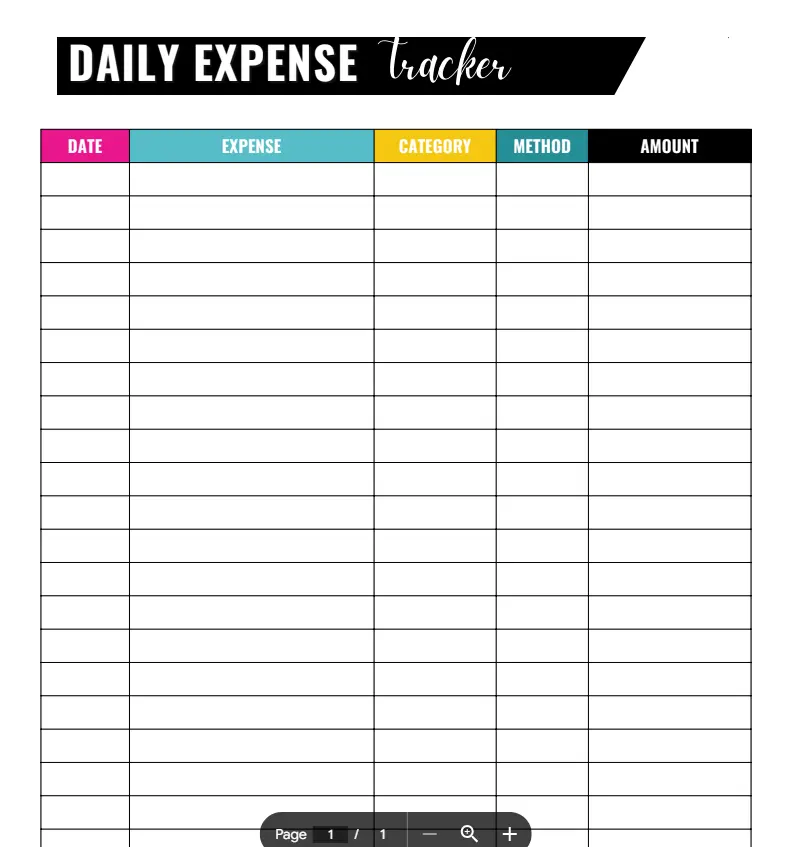
Being proficient in spreadsheets offers numerous advantages for financial management:
Enhanced Organization
- Structured Data: Spreadsheets allow you to organize your financial information systematically, making it easy to track income, expenses, savings, and investments in one place.
- Customizable Layouts: You can create personalized spreadsheets tailored to your specific financial needs, ensuring that all relevant data is easily accessible.
Improved Analysis
- Data Insights: Spreadsheets can help you analyze your financial data through calculations, charts, and graphs, providing valuable insights into spending patterns and trends.
- Goal Tracking: By setting up formulas and conditional formatting, you can monitor your progress toward financial goals, such as saving for a vacation or paying off debt.
Time Efficiency
- Automated Calculations: With built-in functions, spreadsheets can perform complex calculations automatically, saving you time and reducing the risk of errors.
- Quick Updates: You can easily update your financial data in real time, ensuring that your records are always current and accurate.
Essential Features to Master
To become truly spreadsheet savvy, focus on mastering the following features:
Formulas and Functions
- Basic Functions: Familiarize yourself with essential functions like SUM, AVERAGE, and COUNT to perform basic calculations quickly.
- Advanced Functions: Learn more complex functions, such as VLOOKUP, IF statements, and SUMIF, to analyze data and create dynamic financial models.
Data Visualization
- Charts and Graphs: Use charts and graphs to visualize your financial data, making it easier to identify trends and patterns. Bar charts, pie charts, and line graphs can effectively represent income and expense distributions.
- Conditional Formatting: This feature allows you to highlight specific data points based on criteria, such as expenses exceeding a certain threshold, making it easier to spot potential issues.
Data Management
- Sorting and Filtering: Master sorting and filtering options to quickly find specific data within your spreadsheets, such as tracking expenses by category or date.
- Pivot Tables: Use pivot tables to summarize and analyze large datasets, providing a powerful tool for financial analysis and reporting.
Practical Tips for Organizing Your Finances
To effectively organize your finances using spreadsheets, consider the following tips:
Create a Budget Template
- Set Up Categories: Design a budget template that includes categories for income, fixed expenses, variable expenses, savings, and debt repayment. This structure will help you allocate your funds effectively.
- Track Actual vs. Projected: Include columns to compare your projected budget against actual spending. This will help you identify areas where you may need to adjust your spending habits.
Monitor Your Spending
- Log Expenses Regularly: Make it a habit to log your expenses daily or weekly. This practice will help you stay aware of your spending habits and identify areas for improvement.
- Use Color Coding: Implement color coding to categorize expenses visually. For example, use red for overspending and green for savings, making it easy to assess your financial health at a glance.
Set Financial Goals
- Define Clear Goals: Establish specific, measurable, achievable, relevant, and time-bound (SMART) financial goals. Whether it’s saving for a home, building an emergency fund, or planning for retirement, having clear goals will guide your financial decisions.
- Track Progress: Create a separate section in your spreadsheet to monitor your progress toward these goals. Update it regularly to stay motivated and accountable.
Conclusion
In conclusion, being spreadsheet savvy is a vital skill for anyone looking to organize their finances with precision. By mastering essential features, utilizing effective practices, and leveraging the power of spreadsheets, you can take control of your financial situation and make informed decisions.
Whether you are budgeting, tracking expenses, or setting financial goals, spreadsheets provide the tools necessary for effective financial management. Embrace the journey to becoming spreadsheet savvy, and watch as your financial organization and clarity improve significantly. With practice and dedication, you can manage your finances like a pro and achieve your financial aspirations.